How to Create an Ask The Groom Game
The step-by-step guide to running this hilarious Ask the groom bachelorette game, plus everything you need to make it completely your own.

Every great hen do has that one moment — the moment where the room erupts, the bride covers her face, and someone nearly falls off their chair laughing. If you haven’t found your game yet, let us introduce you to “What Did the Groom Say?”
It’s simple, it’s personal, it’s absolutely chaotic — and it works every single time. Whether you’re hosting a low-key night in or an all-out bachelorette bash, this game is the icebreaker, the entertainment, and the highlight of the evening all in one.
“Find out what the groom really thinks… before she says ‘I do.'”
First things first, planning a Bachelorette party can take a lot of organization, but relax – we’ve got you! As our gift to you, you can download this FREE Bachelorette Party Planner. With over 20 pages, a suggested checklist and pdf compatibility with Goodnotes and Notability, this is the ideal bachelorette party planner no matter what your theme. Grab your copy below.

What is the “What Did the Groom Say?” Game?
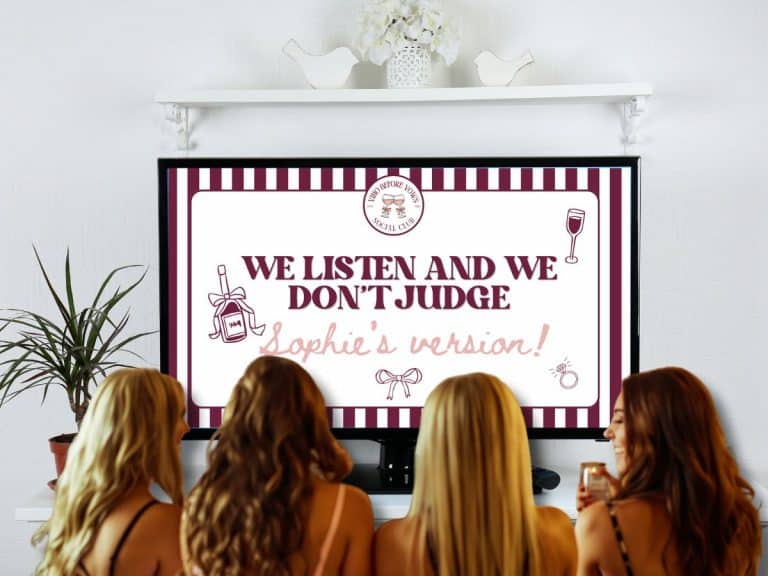
The concept is beautifully simple: before the party, you secretly ask the groom a set of revealing (and often hilarious) questions about himself, the bride, and their relationship. At the party, the bride tries to guess his answers — and the drinking game element keeps everyone on the edge of their seats.
It’s part quiz, part confessional, part couples therapy — and entirely unforgettable. The game works brilliantly as an icebreaker because it gets everyone involved instantly, whether they know the couple well or are just meeting for the first time.
How to Set Up the Game
Collect the groom’s answers beforehand
A couple of weeks before the party, reach out to the groom (in secret!) and ask him your prepared questions. Our Ask the Groom game template comes with an editable done-for-you list of 20 questions that can easily be emailed or sent via message.
If the groom can record himself answering each question, this will make the final game even more hilarious once his answers are uploaded!
Prepare your question cards or slides
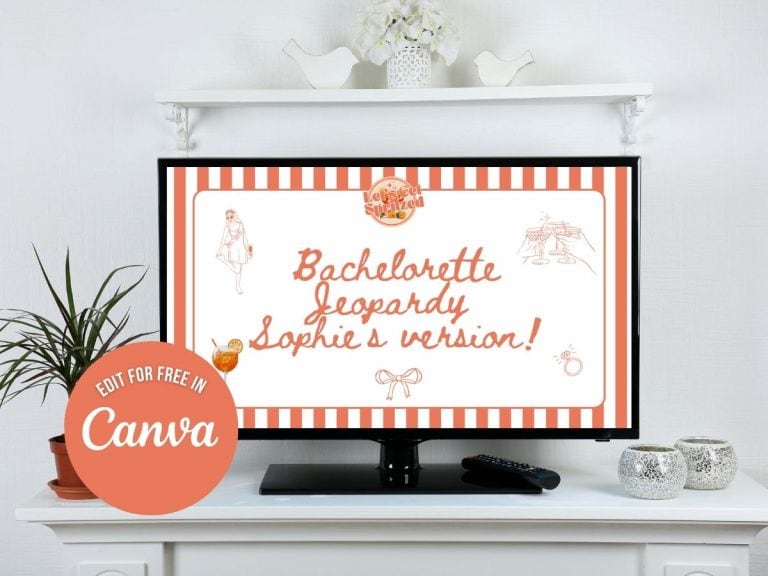
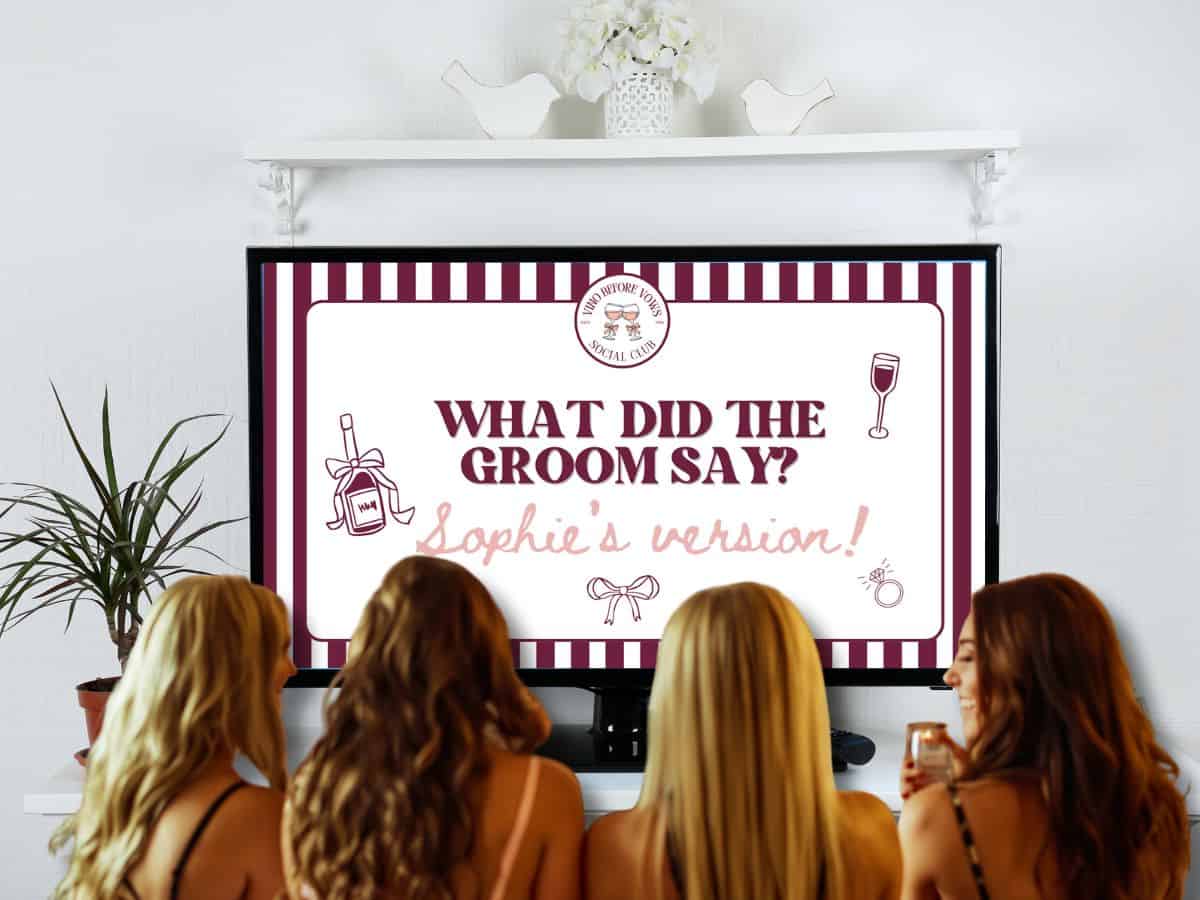
Edit your powerpoint or Canva template so each question is displayed on its own slide followed by the groom’s corresponding answer. This is where a beautifully designed template makes all the difference.
Set the scene at the party
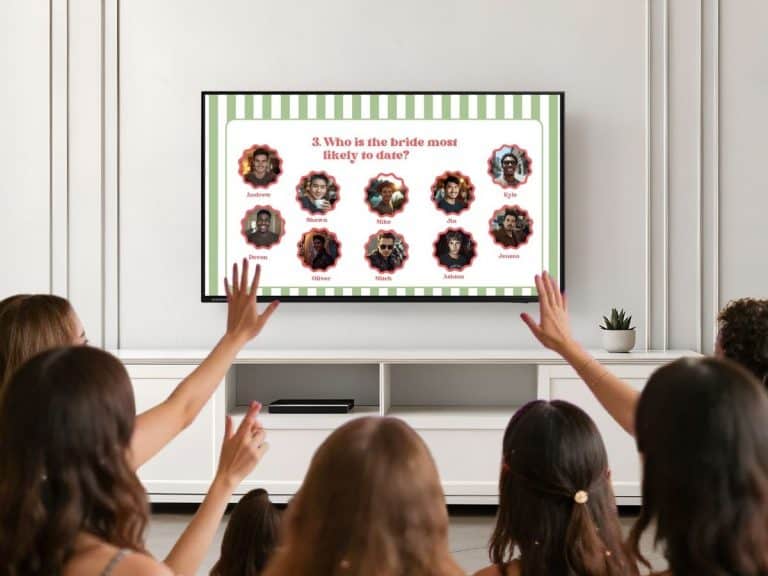
Gather everyone together, set up the quiz on a TV, put the bride in the spotlight, and have a designated host (usually the maid of honour) read out each question one by one.
The bride guesses — and someone drinks
For each question, the bride gives her answer. If she’s right — the group drinks. If she’s wrong — the bride drinks! Expect gasps, laughter, and revelations.
Hosting Tip
Give each guest an answer sheet to write their own guesses down. Award prizes for those who get anything correct especially when the bride does not!
How To Edit and Customise Your Ask The Groom Canva Template
If you’ve purchased an Ask The Groom game from our Etsy Shop or are thinking of doing so, here’s all the information you need to make the game your own.
1. Upload your own videos and photos to Canva
This is a really straightforward process, but if you need a visual demonstration, check out this post How to Upload Your Own Images And Video to Canva. It would be really helpful if you got the groom to film each of his answers individually – not only will it be far easier for you to find the correct answer to each question, but the file sizes will be much smaller too.
2. Edit the questions , colors and graphics as required
Everything in the template is editable, meaning you can click, delete and replace as needed. Just be aware deleting whole slides can mess up the interactive links. If you make a mess and the undo button can’t help, you can always start over and download a new copy of the template from your purchase – it can be used as many times as you wish!
How to Play the Game At your Event
The Canva slide deck will play on any device that can access a web browser, such as an iPad or laptop. You can also connect your device to a TV – most laptops can connect with an HDMI lead but this process will vary dependent on your device.
There are several ways to download and play your file from Canva as follows. You can also watch the video below for a visual guide. Please note, even though this video shows the process for sharing a Bridal Jeopardy game, the sharing methods are exactly the same:
Option 1 – Present in Canva
Click “Share” at the top right corner, then select “present full screen”, then “Present”.
Option 2 – Create a public view URL
This is a great option if you don’t want to log in to Canva at your event or if you are using another person’s device. Click “Share”, then “Public View Link”, a URL will then be automatically created that you can copy and paste into a browser. Anyone with the link can then view your game (but not edit). Any changes you make to the game will automatically update on the link instantly, so bear this in mind!
Option 3 – Download as a PDF (A great offline or backup option!)
Click Share at the top right corner as before , then select download. Choose “PDF Standard” from the dropdown list. The PDF can then be viewed on a free PDF reader such as Adobe Acrobat – all the links will work.
This is a good backup option in case there are internet issues at your event.
Ensure you do not select “Flatten PDF” as this will disable the hyperlinks.
The Best Questions to Ask the Groom
The questions are everything. The best ones strike a balance between sweet, cheeky, and genuinely surprising. Here’s a mix to get you started:
What is her most annoying habit?
How long did it take to fall in love with her?
Who wears the trousers in the relationship?
What would she spend a £1,000 windfall on?
What’s her go-to order at a restaurant?
Which one of you said “I love you” first?
How many shoes does she own? (Take a guess!)
What’s her biggest pet peeve about him?
Make the questions personal
The real magic happens when the questions are tailored to the couple. Swap in inside jokes, reference real stories from their relationship, or ask about specific moments only the group would know about. Generic questions are fun — personalised ones are priceless.
Don’t be afraid to go a little cheeky either. Questions about who apologises first after an argument, who’s messier at home, or who spends longer getting ready always land brilliantly with a hen party crowd.
Tips for Making It Even Better
Ask more questions than you need
Collect 15–20 answers from the groom but only use 10–12 at the party. This gives you flexibility to skip anything that feels too sensitive on the day, and means you have backup questions if the crowd wants more rounds.
Vary the tone
Mix sweet questions (“What does he love most about her?”) with funny ones (“What is her most dramatic moment?”) and dirty ones if you dare! The contrast keeps energy high and gives the bride — and the group — a range of emotions.
Involve the group
Before the bride answers, let everyone else in the room place their bets on what the groom said – you can use the answer sheets included. It adds another layer of interaction and gets even the shyest guests involved.
Have a forfeit alternative
Not everyone drinks — and that’s totally fine. Set a fun non-alcoholic forfeit for wrong answers, like performing a dare, reading out a confession, or adding to a “predictions for the marriage” jar.
Get the Ready-Made “What Did the Groom Say?” Game Template
Our fully editable Ask The Groom Canva templates have everything you need to run a polished, personalised game — zero design experience required. And the best thing it, it comes in multiple bachelorette party themes to fit the rest of our Bachelorette product ranges.
Why This Game Works Every Time
The “What Did the Groom Say?” game has a rare quality: it works for every group. It doesn’t matter if the guests are old school friends, new work colleagues, family members three generations apart, or a mix of all of the above. The bride is the common thread, and the questions make everyone feel like an insider.
It also scales perfectly. Running it for a group of six on a cosy sofa? Wonderful. Playing it with thirty guests at a venue? Even better — the energy just grows. And because you’re reading from prepared materials rather than improvising, the host can relax and enjoy the reactions too.
Most importantly: it creates genuine moments. Not just laughs (though there will be plenty of those), but actual connection — shared surprise, affection, and the kind of warmth that makes a celebration feel truly special.
So whether you’re the maid of honour hunting for the perfect hen do activity, a bridesmaid who wants to go beyond the usual, or the bride-to-be forwarding this to your gang with a knowing look — this is your game. Now go find out what the groom really said.
Planning a hen do? Save this post and share it with the squad. 💍
Visit the Gin & Gemini Etsy Shop and Save 25%
For any of the Gin & Gemini products featured in this post, please visit us on Etsy! Buy 3 digital products, get 25% off (discount automatically applied at checkout).

Follow us on socials
About The Author

Melissa is an Educational Consultant in the UK with over 25 years teaching experience. Through her expertise in creating educational resources for children she opened her Etsy shop, Gin&Gemini, in 2022 and quickly expanded her offering into the party planning niche, offering a range of physical and digital products for children’s parties, family celebrations, holidays and the bachelorette / hen party niche. She lives on a farm with her husband, young daughter and cats.
In addition to our own products, this post may contain affiliate links, meaning I get a commission if you decide to make a purchase through my links, at no cost to you. Please read our disclosure policy for more details.
As an Amazon Associate, I earn from qualifying purchases.